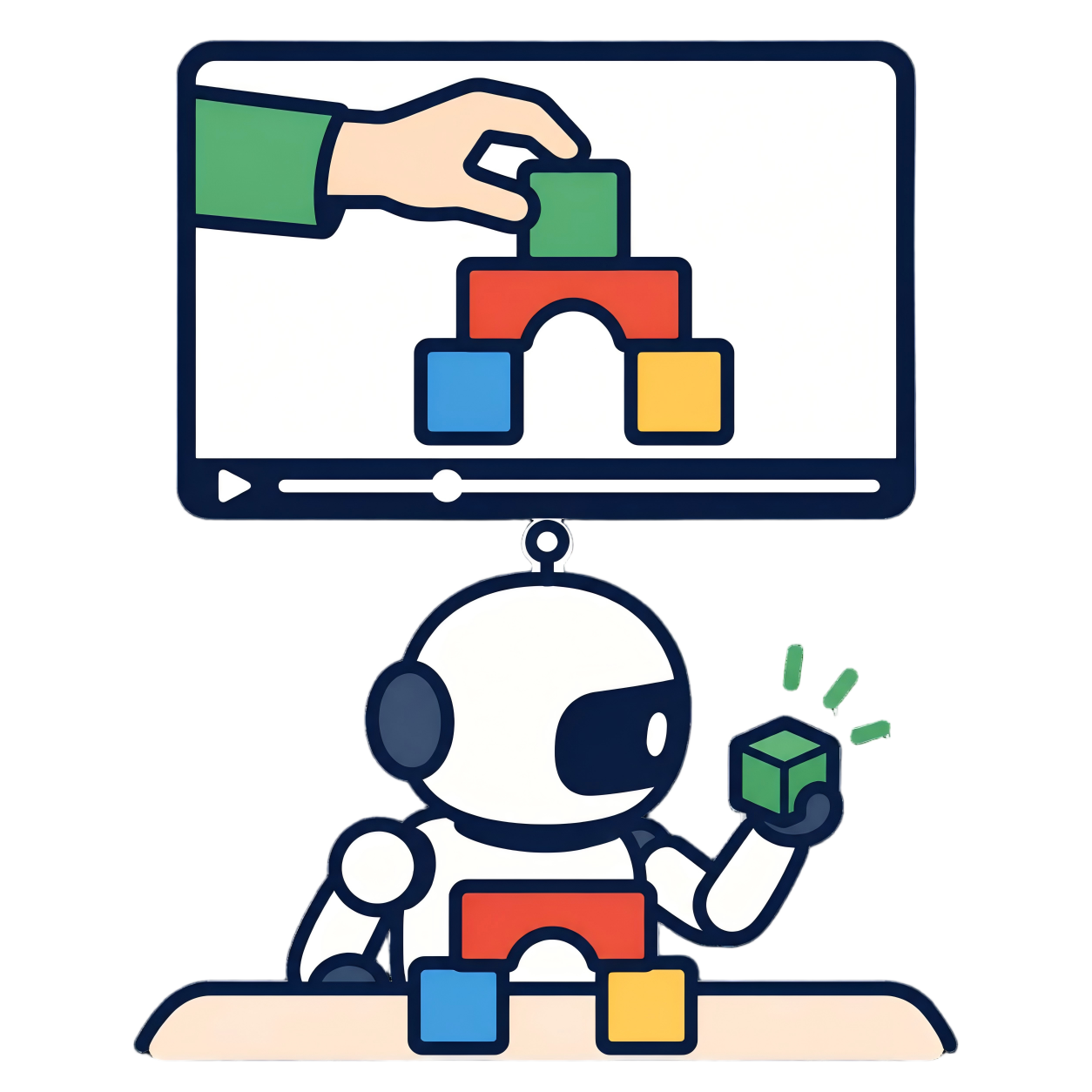
Data collection
Generate demonstrations with scripted motion-planning solutions, batch-collect the full benchmark across all 50 tasks and four levels, then convert the H5 trajectories into LeRobot-format datasets that the baselines consume.
Data pipeline
Top-level dataset directories used by the baselines (relative to the repository root):
demos/demo_data       Human demonstration dataset(s), including MANO features
demos/imitator_data   Robot (simulation) demonstrations in LeRobot format
Motion-planning trajectories
The runner two_robot_run selects a registered solver from MP_SOLUTIONS,
resets the requested level, executes both robot planners, evaluates the final state, and
writes successful episodes through RecordEpisode.
L0-L2:
python -m mani_skill.examples.motionplanning.dual.two_robot_run \
  -e TwoRobotStirSpoon-v1 --l0 \ # --l1 and --l2 are also valid
  -n 1 --only-count-success \
  --traj-name L0_TwoRobotStirSpoon-v1 \
  --record-dir demos
L3 uses its standalone environment and an explicit trajectory name. Do not
pass the legacy --l3 switch to a standalone L3 environment; the L3 scene is
defined by the ...L3-v1 class itself:
python -m mani_skill.examples.motionplanning.dual.two_robot_run \
  -e TwoRobotStirSpoonL3-v1 \
  -n 1 --only-count-success \
  --traj-name L3_TwoRobotStirSpoon-v1 \
  --record-dir demos
Add --save-video to store the runner's render video. Add --vis
only when an interactive viewer is required. The output pair is:
demos/{env_id}/motionplanning/{trajectory_name}.h5
demos/{env_id}/motionplanning/{trajectory_name}.json
The HDF5 file contains actions, environment states, and the observations selected by
obs_mode. The JSON file records environment arguments, reset seeds, control
mode, episode results, and mirror metadata. Keep both files together —
replay requires the JSON file with the same basename.
Batch collection
Use the scheduler scripts/collect_data.py for resumable collection. This
example collects ten successful trajectories for one task at all four levels on GPU 0:
python scripts/collect_data.py \
  --demos-dir demos \
  --target-episodes 10 \
  --tasks TwoRobotStirSpoon \
  --levels L0 L1 L2 L3 \
  --gpu-ids 0 \
  --max-procs-per-gpu 1
Omit --tasks and --levels to use all 50 tasks and all four levels.
Inspect the planned task-level jobs without launching simulation:
python scripts/collect_data.py --demos-dir demos --dry-runH5 → LeRobot
python -m examples.baselines.lerobot_dataset.h5_to_lerobot \
  --input demos \
  --output-dir demos/imitator_data \
  --recursive \
  --no-gpu \
  --n-jobs 4 \
  --mem-per-proc 4 \
  --fps 30
--n-jobs controls parallel H5 conversions and --mem-per-proc is
the estimated memory budget in GiB for each worker. Completed datasets are skipped on
subsequent runs. Use --force only when an existing converted dataset must be
rebuilt.
The trajectory name becomes the LeRobot repository ID and output directory:
demos/TwoRobotStirSpoon-v1/motionplanning/L2_TwoRobotStirSpoon-v1.h5
  → demos/imitator_data/L2_TwoRobotStirSpoon-v1/
Keep the uppercase L0_ through L3_ names generated by
scripts/collect_data.py. They are the IDs referenced by the released task
mapping and experiment configs.
Converter input contract
Trajectories intended for training must be collected with obs_mode="rgbd". This
is the default of two_robot_run and scripts/collect_data.py; do
not add -o none to those collection commands. The converter reads the following
fields from each trajectory group:
The complete IG-10K dataset and shared asset package are indexed on the Data & downloads page. Current data includes RGB/depth streams, MANO features, and optional offline segmentation-mask annotations.
| H5 field | Required shape | Meaning |
|---|---|---|
actions | (N, 16) | Seven arm joints and one gripper command for each robot |
obs/agent/panda_wristcam-0/qpos | (N+1, 9) | Left arm and two-finger gripper state |
obs/agent/panda_wristcam-1/qpos | (N+1, 9) | Right arm and two-finger gripper state |
obs/sensor_data/<camera>/rgb | (N+1, H, W, 3) | RGB observations for each recorded camera |
obs/sensor_data/<camera>/depth | (N+1, H, W, 1) | Depth observations for each recorded camera |
Each H5 trajectory becomes one LeRobot episode in the LeRobot v0.5 layout, including Parquet data, encoded camera videos, per-dataset statistics, episode metadata, and split metadata.
| LeRobot feature | Shape | Construction |
|---|---|---|
observation.images.<camera> | (H, W, 3) | RGB frame from each camera present in the H5 file |
observation.images.<camera>_depth | (H, W, 3) | Depth converted to the video-compatible RGB representation |
observation.qpos_gripper_states | (18,) | Left 9-dimensional qpos followed by right 9-dimensional qpos |
action.qpos_gripper_actions | (16,) | Left 8-dimensional action followed by right 8-dimensional action |
There are N+1 observations but only N simulator actions; the
converter repeats the final action once so every LeRobot frame has an aligned action. The
mounted H5 sensors panda_wristcam_0_hand_camera and
panda_wristcam_1_hand_camera are normalized to the LeRobot camera names
wristcam0 and wristcam1.
Paired datasets & task mapping
Conversion creates the physical datasets; the JSON configuration files decide which of them enter a particular experiment:
-
task_mapping.jsonmaps each human demonstration ID to the corresponding L0-L3 simulation repository IDs. For example,human_H1is paired with all fourTwoRobotStirSpoonlevels. -
config/exp_configscontains the released 15-, 30-, and 45-task training splits and the seen/unseen evaluation splits. -
task_desccontains the human, simulation, and robot language descriptions used by language-conditioned modes.
A simulation config entry has the following form:
{
  "repo_id": "L2_TwoRobotStirSpoon-v1",
  "root": "L2_TwoRobotStirSpoon-v1",
  "train": "0:50",
  "test": ""
}
root is relative to the simulation data root passed to training. The episode
range must exist in the converted dataset: if fewer than 50 episodes were collected, update
the range instead of copying 0:50 unchanged.
Teleoperation
Interactive collection with a panda arm (click + drag a ghost arm, or use keyboard shortcuts):
python -m mani_skill.examples.teleoperation.interactive_panda \
  -e TwoRobotPickCubeYCB-v1 -r panda --save-video
Controls: g toggle gripper, n execute the ghost pose,
c next episode, q quit, arrow keys move the ghost arm. VR
teleoperation entry points live under mani_skill/examples/teleoperation/
(for example vr_realman.py).
Multi-view replay
To render an existing trajectory into one MP4 per camera:
python scripts/replay_dual_task_multiview.py \
  --traj-path demos/TwoRobotStirSpoon-v1/motionplanning/L2_TwoRobotStirSpoon-v1.h5 \
  --level L2 \
  --output-dir demos/multiview \
  --cameras cam1 cam2 cam3 zed2i
Replay restores each saved env_states frame instead of re-running motion
planning. Videos are written as
{output_dir}/{camera}/{task}/{level}_{env_id}_{camera}_ep{episode_id}.mp4.
With converted datasets ready, train one of the nine baselines — or build your own randomized task first with the domain randomization tutorial.